Internal linking for cam sites: stable paths in a moving grid
Live grids reshuffle every minute, so the links search engines rely on keep moving. How to give every active performer a stable path, make performer cards crawlable and keep link value where it counts.
- Topic
- Technical
- Reading time
- 6 min
- Last checked
- Sections
- 7
The short answer
On a cam site, most internal links sit in grids that reorder themselves by who is live. That is good for members and bad for crawlers, because the paths to any one performer keep appearing and disappearing. Good internal linking adds a stable layer underneath: categories and indexes that always link every active profile, performer cards that are real links with names, and a small set of related links on each profile.
The shape that works
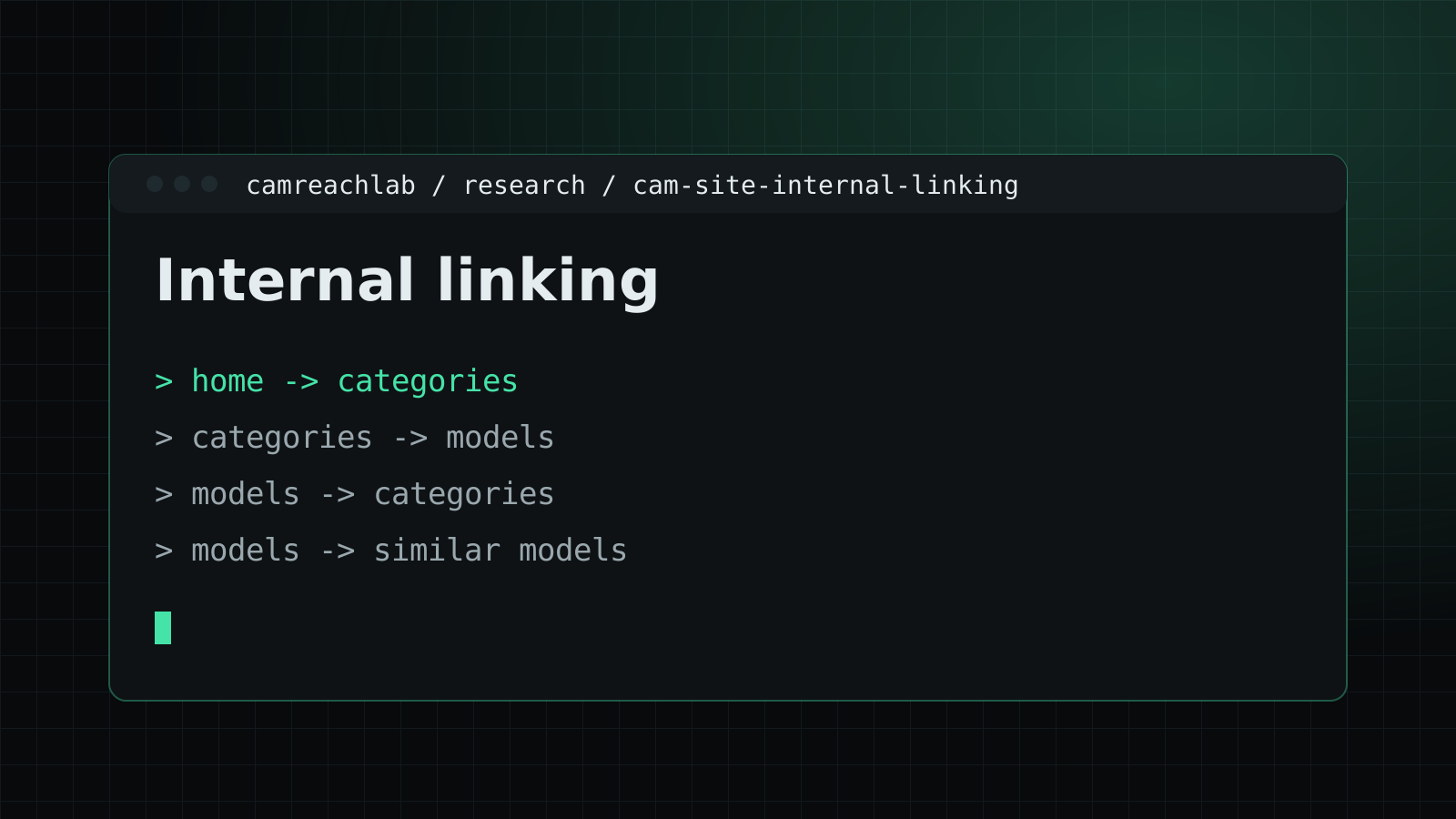
Think of three levels. The homepage and main menu link to the core categories. Each category links to the performers in it, whether they are live or not. Each profile links back to its categories and to a few similar performers. Schedule pages and A to Z indexes sit alongside, giving another steady route to every active profile.
With that shape, any active performer is a few clicks from the homepage through links that exist every time a crawler visits. Without it, a performer who happens to be offline when Googlebot calls may have no path at all.
Performer cards must be real links
Google's link guidance is blunt: it can generally only crawl a link that is an <a> element with an href. Cards that open a profile through a click handler on a div, or through a JavaScript router without an href, may never be followed.
Anchor text matters as much. When a link is an image, Google uses the image's alt text as its anchor text. Most performer cards are a thumbnail with nothing else, and the alt is often empty or says "thumbnail". Put the stage name in visible text inside the link, give the image a short factual alt, and every card starts telling search engines who is behind it.
Open a category page with JavaScript switched off, or view its source, and search for a performer's profile URL. If it is not there as an href, crawlers have no reliable way to reach that profile from this page.
Links that move every minute
Live-first sorting is the heart of a cam site, and it creates a problem few other sites have. The first page of a category shows whoever is streaming right now. A crawler visiting at 9 a.m. sees one set of profiles; at 9 p.m., a different one. A performer who streams at hours when a crawler is not looking can end up linked only from pages it rarely sees in their live state.
Keep the live sort for members, and add stable links next to it. An "all performers in this category" list sorted by name, a schedule page, and paginated archive pages all link the same profiles every time. Crawlers get a steady map; members still see who is live first.
Similar performers, done carefully
A "you may also like" block is useful for visitors and gives each profile a few outgoing links. Two details decide whether it helps. Choose the related profiles by shared categories rather than at random, so the links make sense and stay fairly stable. And keep the list short. Five to eight relevant links do more than forty faces that reshuffle on every load.
Menus that link everything
Many platforms put every tag into a mega menu or footer on every page. It looks thorough, but it tells crawlers that hundreds of tag pages matter as much as your core categories, and it points them at pages you may prefer to keep out of the index.
Keep global navigation to the categories you want to rank. Let each category page link its own related tags, and let the category architecture decide which of those tags are indexable at all.
Where to start
Take one performer who streams at quiet hours and trace every path to their profile from the homepage, in the page source rather than the browser. If the only paths run through live-sorted grids, that is the first fix. The same stable paths also decide how crawl budget is spent and whether profiles get indexed at all. Linking rules are part of both technical cam SEO and platform SEO.
Questions teams ask
Are thumbnail cards enough as links?
Only if they are real links with a name attached. Google uses an image's alt text as the anchor text when the link is an image, so a card with an empty alt and no visible name passes almost no meaning.
Should every tag be in the main menu?
No. A menu linking hundreds of tags from every page spreads attention thin and points crawlers at pages you may not want indexed. Keep the menu to core categories and let each category link its own related tags.
How many similar performers should a profile link to?
A handful, chosen by shared categories. Enough to help a visitor and give crawlers a path, not a wall of random faces that changes on every load.